iPhone · photos, videos, contacts
SoftSweep goes through your library and groups what is worth a second look: the photo you took four times, the video you never watched again, screenshots from last spring.
Most of it is usually media. SoftSweep sorts it by category so you can see where the space went.
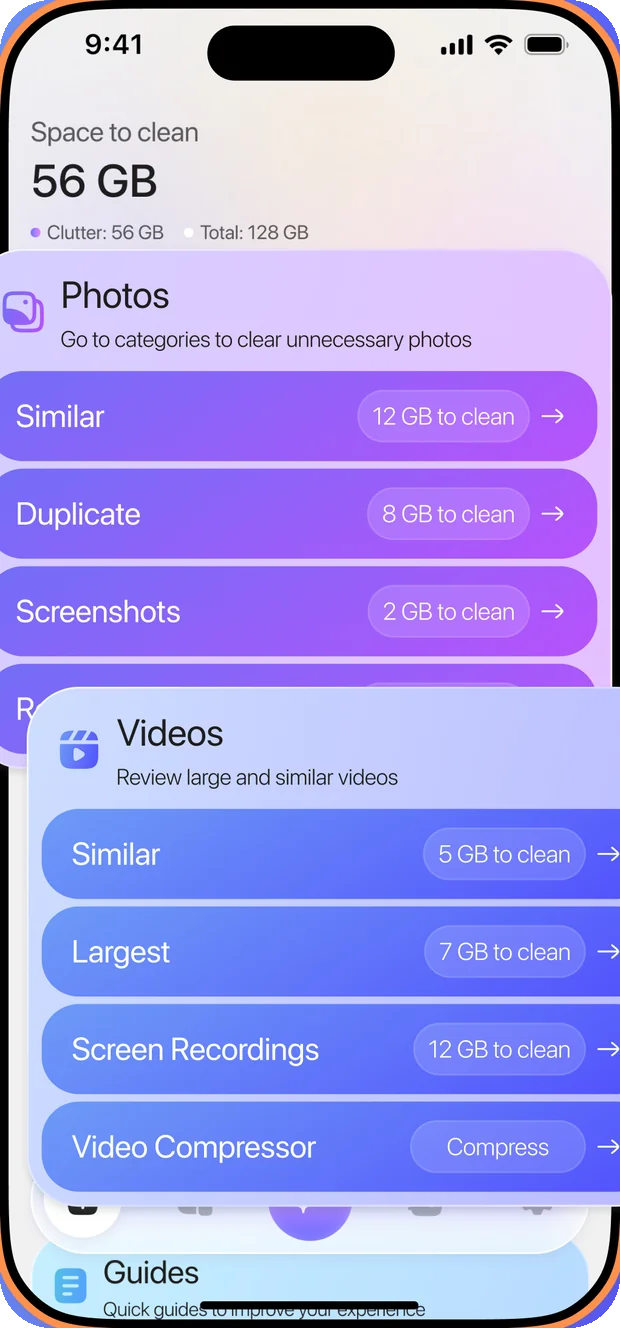
Every group is put in front of you first. Open a photo, keep the one you like, change your mind. There is no sweep running in the background and nothing disappears on its own.
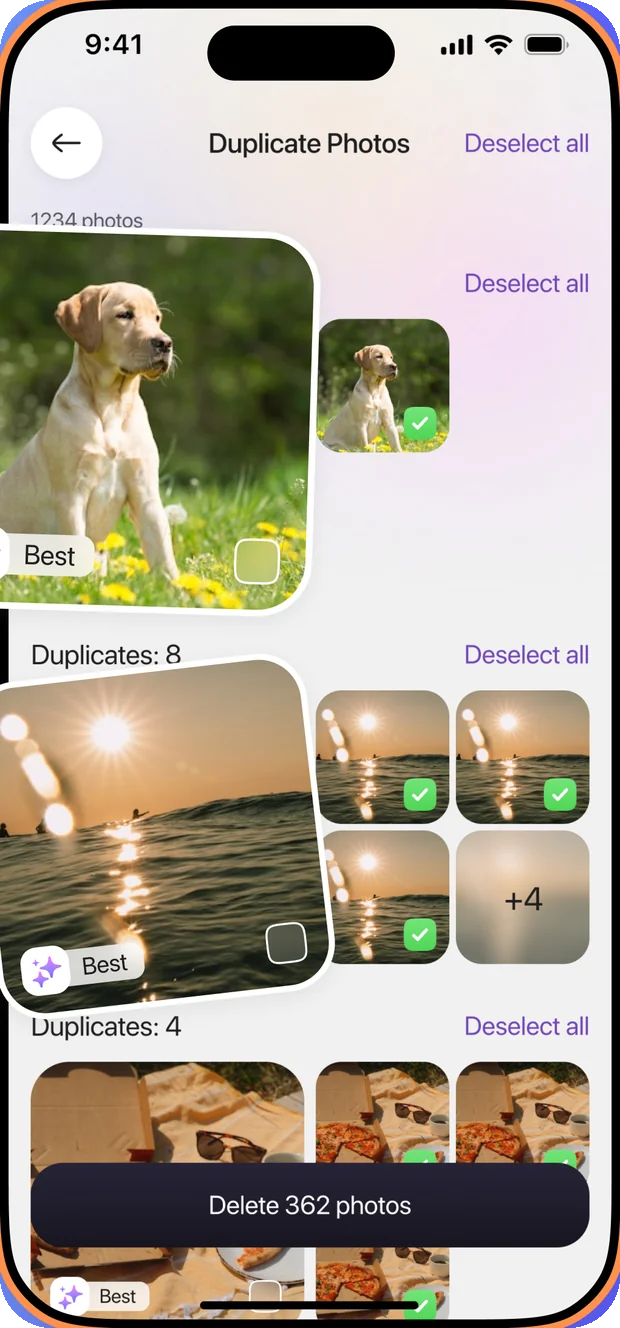
Shots are grouped by likeness, and one in each group is marked as the best of the set. Keep that one, clear the rest, or pick a different favourite.
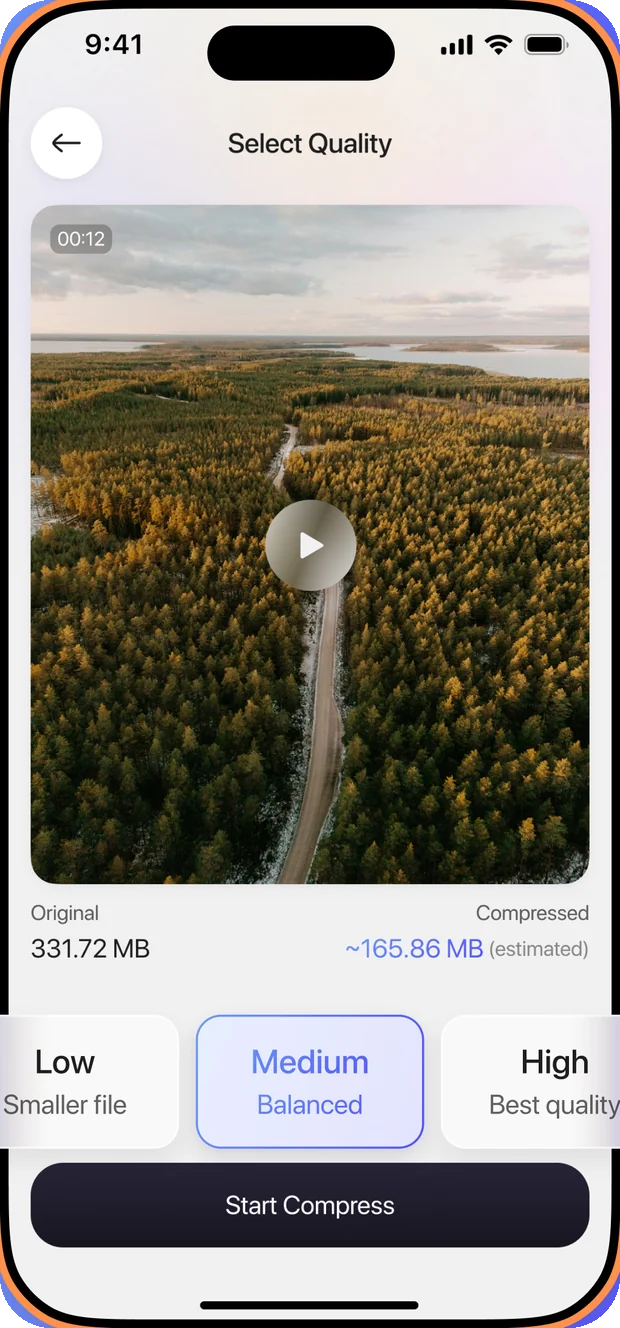
Pick a quality level and see the estimated size before anything starts. The original stays where it is until you decide to remove it yourself.
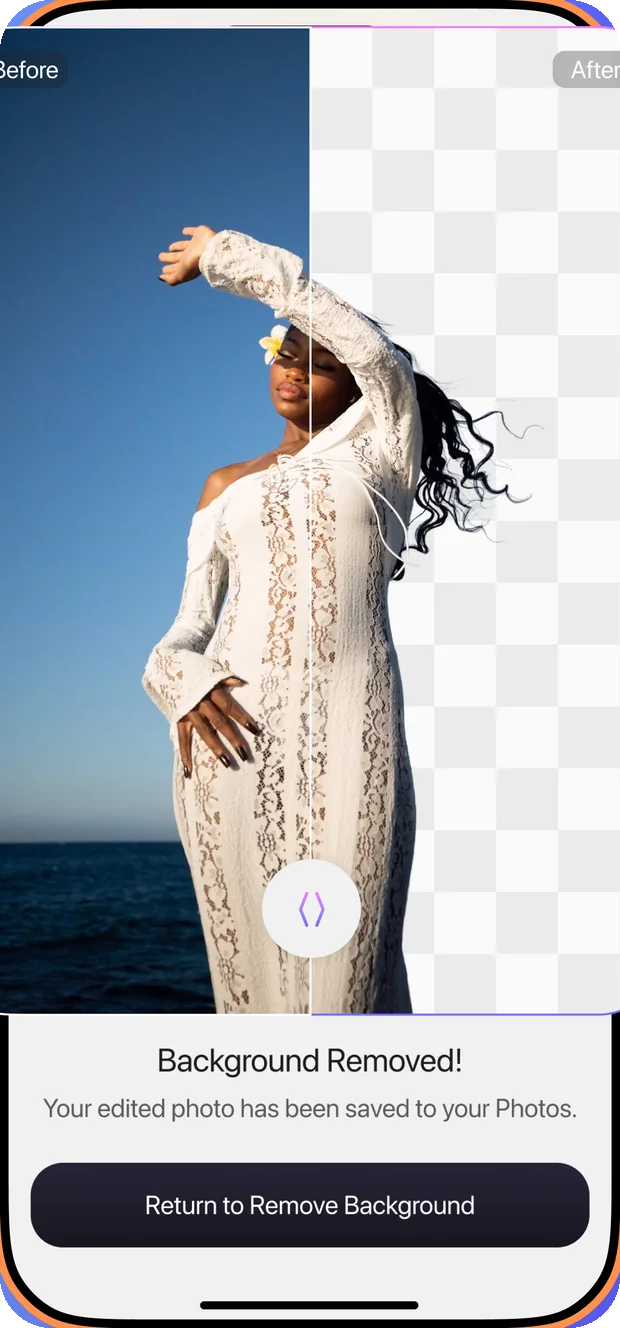
Pick a picture, remove what is behind the subject, save the result to your library. It is processed on your device, so the photo never leaves your iPhone.
Find entries saved twice, or ones missing a number, and tidy them one at a time.
Move selected albums and contacts into a separate area inside the app, away from the main lists.
Walkthroughs for clearing Safari cache, emptying Recently Deleted and offloading apps you never open.
The app is free to download. Full access is a subscription, and here is exactly what that means.